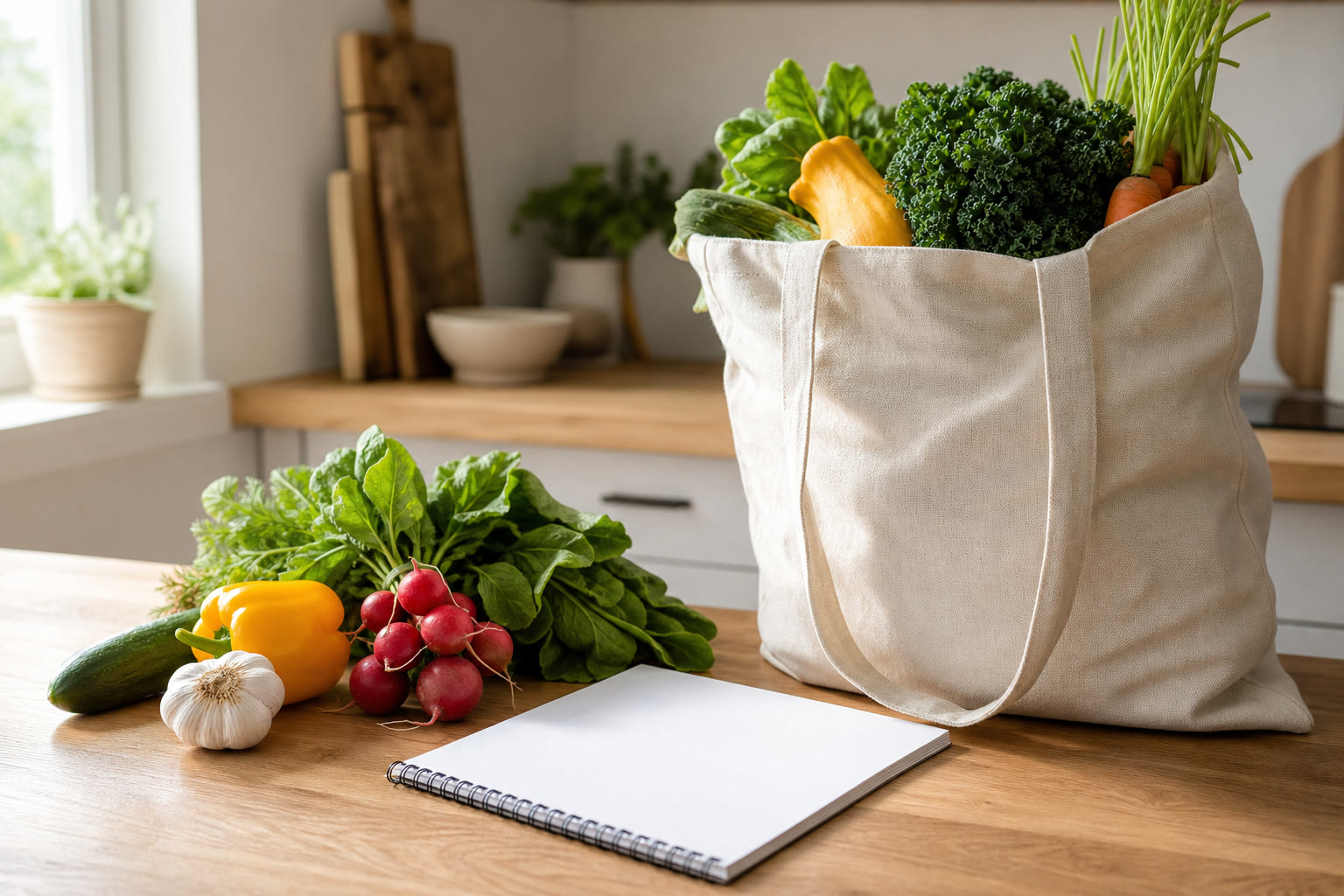
How to Share a Grocery List with Your Household
Learn how to organise a shared grocery list, avoid duplicate purchases and keep household shopping coordinated with simple, practical steps.

A shared grocery list gives everyone in a household one place to see what needs buying and what has already been picked up. Agree who can add items, keep product names specific and check the list while shopping. Sepiko supports real-time list sharing through iCloud, so changes can appear on each person’s device as the household plans and shops.
What should you agree before sharing a grocery list?
Before sharing a grocery list, agree on a few simple conventions so everyone interprets it in the same way. A list is more useful when “milk” means the right kind and quantity, rather than leaving someone to guess in the shop.
- Use clear item names: write “oat milk” or “whole milk” rather than just “milk” if the type matters.
- Add quantities and units when they affect the purchase, such as “two tins of chopped tomatoes” or “500 g pasta”. Sepiko supports setting an amount and unit for a list item.
- Decide what checked items mean in your household. Usually, mark something when it has been picked up, rather than when it is merely in someone’s basket.
- Keep the shared list focused on items to buy. Use a separate note or list for meal ideas, household jobs or things to remember later.
These small agreements reduce follow-up messages and make the list easier to use for the person doing the shop. They also help prevent a common source of confusion: one person adding an item while another is already buying it.
How do you organise a shared grocery list?
Organise a shared grocery list around the way your household shops, not around an elaborate system that nobody will maintain. Start with one main list for everyday groceries, then add only the structure that solves a real problem.
For example, a household might keep recurring basics such as bread, eggs and washing-up liquid easy to add, while noting a particular meal’s ingredients when needed. If people regularly forget the amount, include it beside the item. If the household shops for different occasions, a separate list or template can help keep a special shop from mixing with the weekly one. Sepiko includes list templates, which can be useful when you want to start from a repeatable set of items.
Avoid creating categories for every possible aisle unless the group finds them helpful. A long structure can slow down quick additions, especially when someone notices that an item is running low. The best format is the one everyone can understand and update without having to ask where something belongs.
How can a household avoid buying the same thing twice?
To reduce duplicate purchases, make the shared list the household’s source of truth and check it before starting the shop. When one person adds an item or another marks it, everyone should refer to the current list rather than relying on an old message or a separate note.
A practical routine is to add an item as soon as someone notices it is needed, then mark it when it has been collected. Keep quantities clear when buying more than one, and remove or update an entry if the household no longer needs it. If two people are shopping at once, agree who is responsible for which items rather than assuming the other person has seen a conversation.
With Sepiko, shared lists update in real time through iCloud. That is designed to help household members see list changes across their devices, instead of depending on a paper list or a note that may not be current. It is still worth checking the item itself before marking it, particularly if the list contains similar products or a specific quantity.
How should you use the list while shopping?
At the shop, use the list as a live checklist: check the item, pick it up, then mark it as collected. This keeps the remaining items visible and makes it clearer to other household members what is still outstanding.
If seeing many entries at once makes it harder to focus, Sepiko’s Shopping Mode presents one product at a time. That can be useful for working through a shop without scanning a long list repeatedly. The app also supports marking products from Apple Watch, which offers another way to update the list while shopping.
Before leaving, review anything still unchecked. It may be an item that was unavailable, something that was forgotten, or a purchase that is no longer needed. If you do not buy an item, leave it on the list or adjust it deliberately so the next person does not mistake an unfinished shop for a completed one.
How can recipes help you build a shared grocery list?
A recipe can make list planning more concrete: choose the meal, check which ingredients are already at home, then add only what is missing. This helps turn a meal plan into a shopping task without asking another household member to interpret an incomplete note.
Sepiko includes more than 90 recipes with step-by-step instructions, and its recipe workflow can add ingredients to a list with a tap. After adding them, check the quantities and compare them with what you already have. If the recipe calls for an ingredient the household keeps in a different size or form, make that detail explicit in the list.
For example, “tomatoes” may not be precise enough if a dish needs fresh tomatoes but the cupboard already contains tinned ones. Naming the form and amount makes the shared list more useful to whoever is shopping, even if that person is not cooking.
Which devices can household members use with Sepiko?
Sepiko is presented as working on iPhone, iPad, Apple Watch and Mac, with list information stored in the user’s own iCloud account. This makes it relevant to households that already use Apple devices and want to manage a shared shopping list across them.
The app also offers home screen widgets and Live Activities, which can make list information easier to reach on supported Apple devices. These options are useful when a household wants to check or follow a shop without opening a list from scratch each time. They do not replace the shared list itself: agree on clear names and update items as you go.
If people in the household use different types of devices, check that the app and its sharing approach suit everyone before making it the group’s only shopping record. Sepiko’s listed device support is for Apple platforms, and its shared-list syncing is described as using iCloud.
How do you keep a shared list useful over time?
Keep a shared list useful by reviewing it briefly after each shop and removing entries that are no longer relevant. A stale list can be just as confusing as no list at all, especially when old items remain unchecked for several trips.
You can also make adding items easy enough to become a habit. Sepiko supports adding products by voice, as well as using list templates for repeat shops. A household might add a missing staple when it runs out, then use a template when starting a regular shop. Keep the template limited to items that are genuinely recurring so it does not fill the list with things the household already has.
Personal touches such as Sepiko’s theme colours and app icons can help someone choose how the app looks, but the practical value of a shared list comes from consistent updates. Keep the routine straightforward: add what is needed, include useful details, mark what has been bought and review what remains.
A shared grocery list works best when the whole household treats it as the current record of what to buy. Clear item details, agreed checking habits and a quick review after shopping can help avoid duplicate purchases and make household coordination easier. For Apple-device households, Sepiko is one option to manage a shared list with real-time iCloud updates, shopping tools and recipe-to-list support.
Frequently asked questions
Does a shared grocery list update for everyone?
Sepiko’s shared lists use iCloud for real-time updates. The app is described as showing list changes across users’ devices.
Can I add recipe ingredients to a Sepiko list?
Yes. Sepiko includes recipes and supports adding their ingredients to a shopping list with a tap. Check quantities and what you already have before shopping.
Can I mark grocery items with an Apple Watch?
Sepiko supports marking products from Apple Watch. It is one of the app’s listed ways to update a shopping list while shopping.
Where does Sepiko store list data?
Sepiko’s listing says that data is stored in the user’s own iCloud account.
Can I use Sepiko on a non-Apple device?
The listed platforms are iPhone, iPad, Apple Watch and Mac. The app’s shared-list syncing is described as using iCloud.
Related articles
- Stop Buying the Same Things Twice as a Household
- Shopping Organizer: Keep a Shared List in Order
- Shopping Organizer: Keep a Shared List in Order
AI-generated image