Setting up a shared list for your household
Invite by link, choose who can edit, and get everyone on the same list in a couple of minutes.
Most households already share a shopping list in some form: a note on the fridge, a thread in the group chat, a list on one person's phone. The trouble starts when the person in the store and the people at home are looking at different versions. A shared list in Sepiko is one list that everyone sees change.
Before you start
Everyone you share with needs Sepiko and an iPhone signed in to iCloud. There is no account to create. Your Apple ID is all there is, and the list lives in your own iCloud.
Share in three steps
Choose who can edit
Each person gets one of two roles. You can change it at any time.
What everyone sees
When someone adds or ticks off an item, the change lands on every device in seconds. If you're offline, changes sync when you're back online.
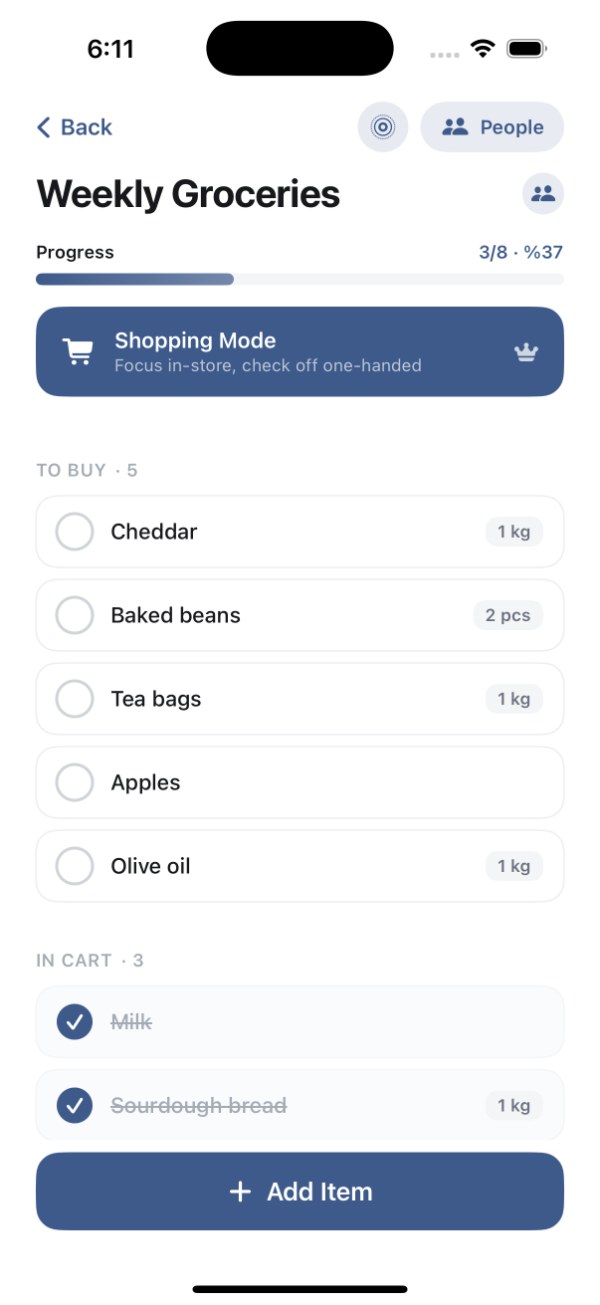
On the free planYou can share 1 list with 1 other person. Premium removes the limit on shared lists and people, and works with Apple Family Sharing.
Leaving or stopping a share
Anyone can leave a shared list, and the owner can stop sharing at any time. The list stays in the owner's iCloud.